Does LOC8 Urban Slim Wallet work with iPhone and Android?
Yes. The LOC8 Urban Slim Wallet works with Apple’s Find My (iPhone) and Google’s Find Hub (Android) apps, so you can find and ring your wallet from either platform.
How long does setup take?
Once your wallet is charged, the whole process takes less than a minute.
What do I need before I start?
Make sure your phone is updated to the latest OS and Bluetooth is switched on. From there, the Find My or Find Hub app walks you through pairing. Full setup steps are included in the user manual that comes with the product.
What charger do I need to use it for the first time?
Any standard USB-C cable and a charger with a minimum output of 5V.
Does the wallet attach magnetically to my phone?
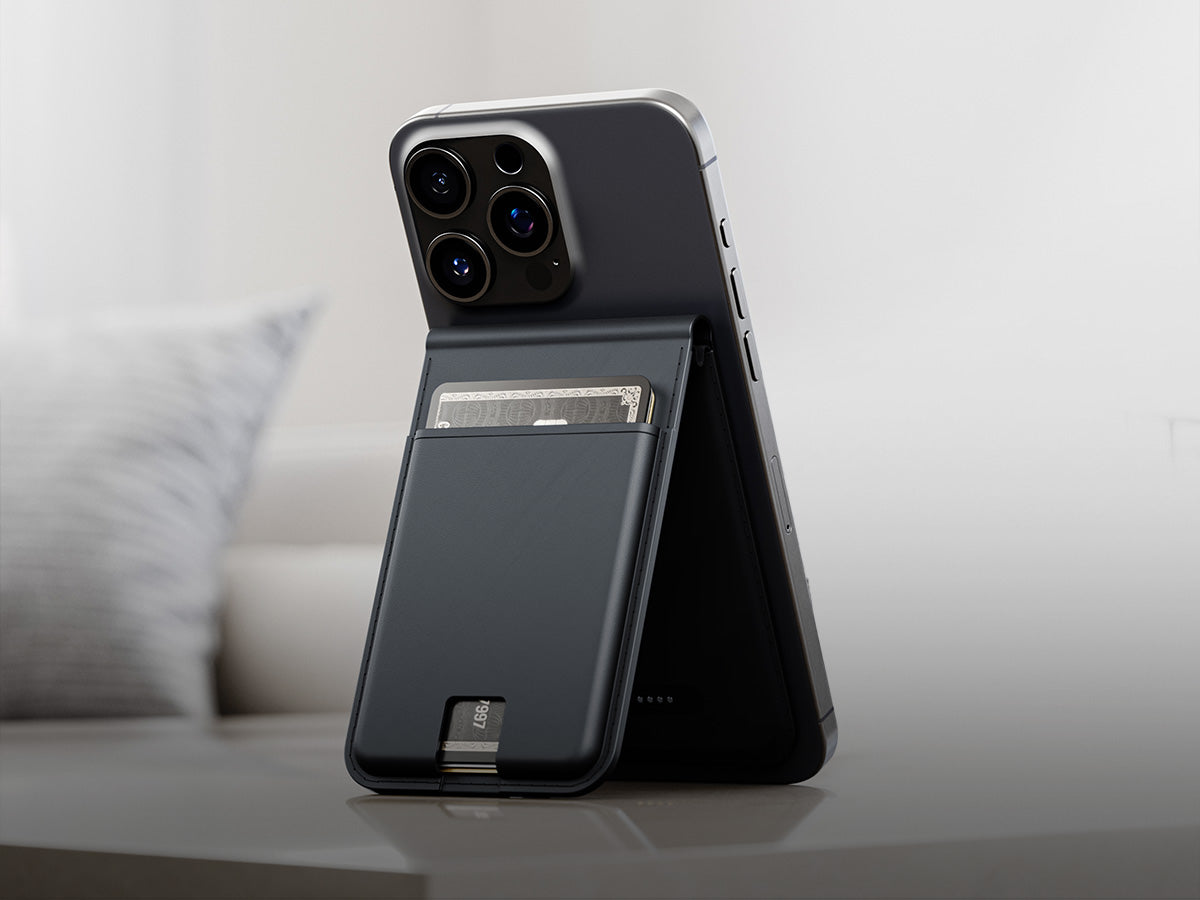
It magnetically attaches to any MagSafe-compatible phone (iPhone 12 and onwards). For Android or older iPhones, add a stick-on MagSafe magnetic ring or use a MagSafe-compatible case. Both are widely available and inexpensive.
Do I need to remove my phone case?
If your case is MagSafe-compatible, the wallet will attach directly to it. If it isn't, switching to a MagSafe-compatible case will do the trick.
How many cards does LOC8 Urban Slim Wallet hold?
Up to 10 cards, but we recommend 8 or fewer for optimal carry.
Does it carry cash?
Yes, it features a money strap to keep your cash secure.
Does it actually protect my cards?
Yes. It includes card damage protection alongside RFID-blocking, helping keep your cards safe from everyday wear and contactless skimming.
What is the wallet made from?
Nappa leather. The material is soft to the touch and durable. Over time, it develops a patina that gives it a character unique to you.
How long does the battery last?
Up to 6 months on a single USB-C charge, so there’s no need for daily charging.
Can I re-pair the wallet with a different phone?
Yes. First, press and hold the tracker button for three seconds to power it off. Then, turn it back on to put it into pairing mode for the new device.
Can I switch between using it with Apple Find My and Find Hub?
Yes. Reset the device, then follow the setup steps for whichever network you want to pair it with next.
How do I find my wallet using the app?
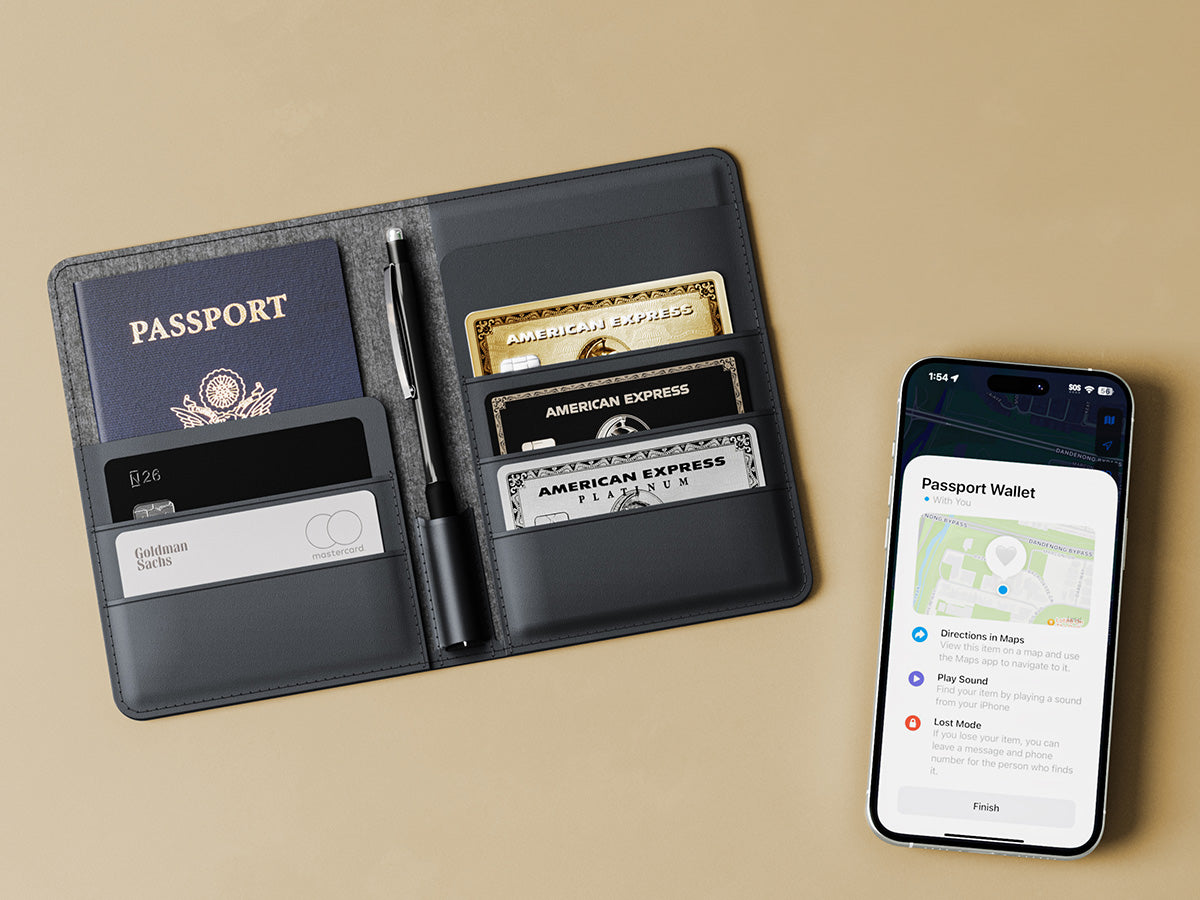
In Find My, go to Items, select the wallet, then tap "Play Sound" to locate it nearby or "Directions" to navigate to its last known location. In Find Hub, open Items, then use "Find Nearby" to ring the device or get a bearing, or "Play Sound."
What do the charging light colours mean?
Orange means it's charging; green means it's fully charged.
How do I check the battery level?
You'll get a reminder notification on your phone via the Find My or Find Hub app when the battery is low. You can also check the battery level directly in the app at any time.
Is it okay to let the battery fully drain before recharging?
Charging the battery before it fully drains preserves battery health over time.
How do I power the tracker on or off?
Click the tracker button twice to power it on. It beeps on the second click. To power it off, press and hold the button for three seconds, then release. A power-off tone will confirm it's off.
How do I use Lost Mode?
Lost Mode is available on Apple devices only. In Find My, go to Items, tap the wallet's icon, scroll to "Enable Lost Mode," tap Continue, enter your contact details, then finalise. While in Lost Mode, the wallet stays linked to your Apple ID, and anyone who finds it can use their iPhone or any NFC-capable device to reach you.
What is Identification Mode and when would I use it?
It's used to identify an unknown LOC8 device near you. Hold it close to your phone, quickly press the tracker button once, and listen for a beep. The device's identification info will then be displayed on your phone.




 Australia
 United States
 Canada
 United Kingdom
 Singapore
 New Zealand
 South Korea
 Japan
Japan
 Europe